Your website
Take bookings on the website you already have, or use the ready-made one on your own domain.
Customers can get a price and book in two ways: on the website you already have, or on a ready-made DoRoutes website. Both take quotes for the job types you allow online, and both are set up in Settings → Website.
Booking on your own website
If you already have a website, add DoRoutes booking to it. On a WordPress site, install the DoRoutes Booking plugin and put it on a page: see Connecting a WordPress site. On any other site, connect it on the Address tab under Booking on your website and paste the snippet it gives you into the page where customers should book: see Book on any website. Customers then get a price and book without leaving your site.
Your developer can also build their own booking pages on the DoRoutes API.
The ready-made website
No website yet? Add the ready-made website to your plan. It has the quote form built in.
Look
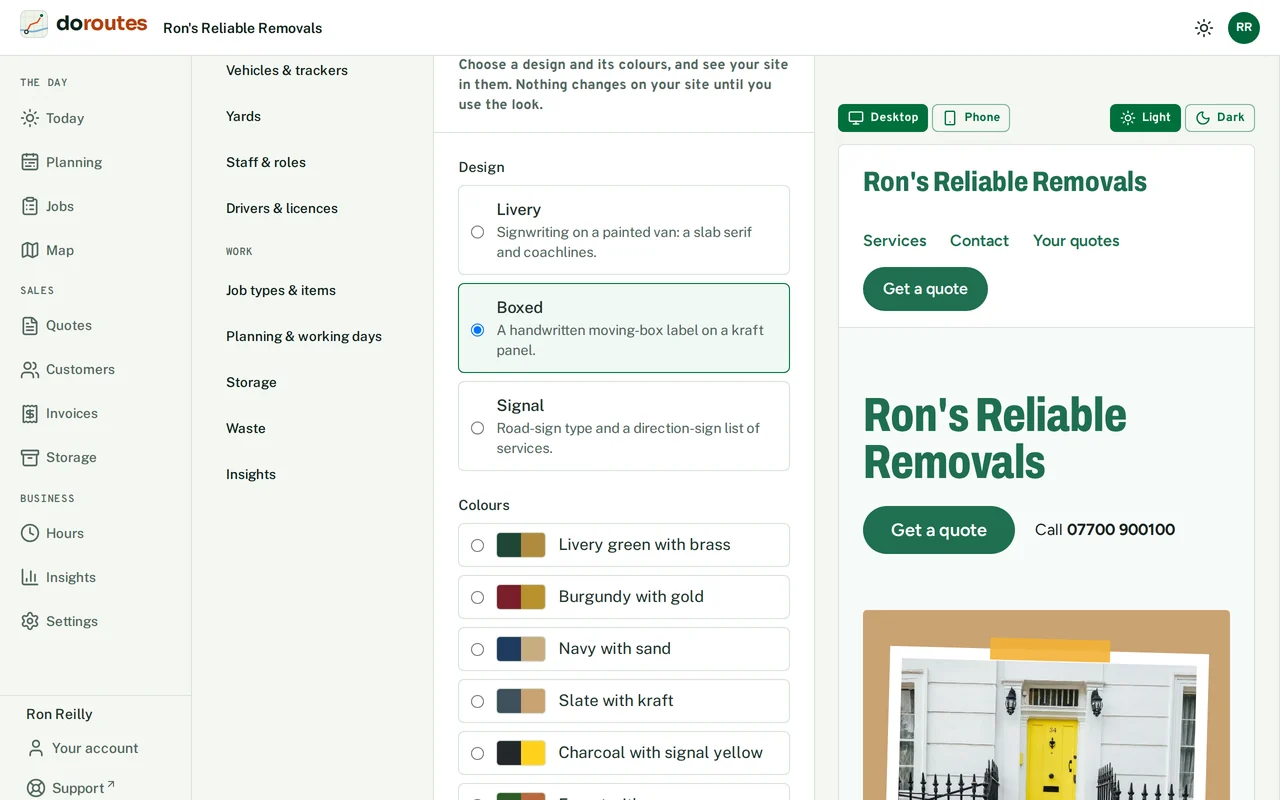
Choose a Design: Livery (signwriting on a painted van), Boxed (a handwritten moving-box label) or Signal (road-sign type). Then choose its Colours, or enter Your brand colour and a detail colour as #RRGGBB, and its Fonts. DoRoutes adjusts a colour slightly when it would be hard to read, and tells you. You see your site in the look as you try it, and nothing changes on your site until you choose Use this look.
Content
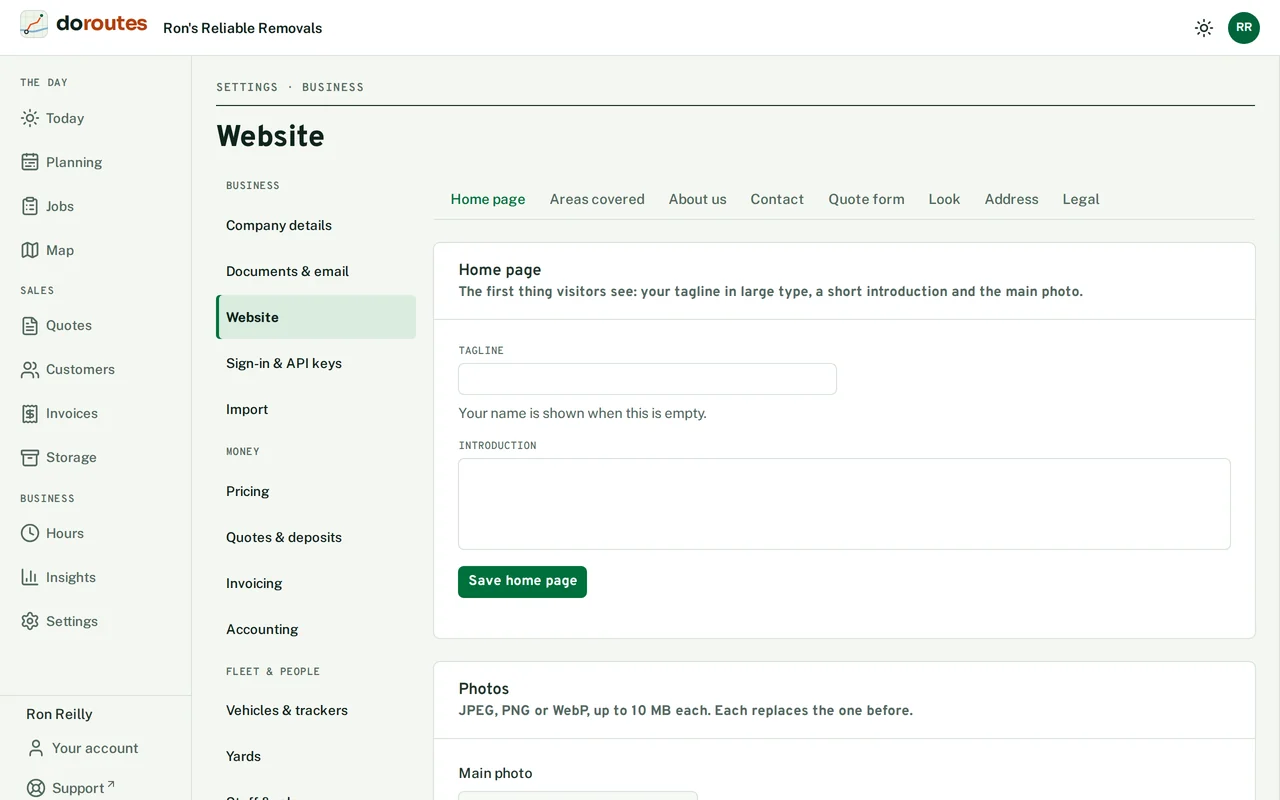
- Home page has your tagline in large type, a short introduction and the main photo. With no tagline, your name shows instead.
- Areas covered lists the towns or postcode areas you cover, exactly as you type them.
- About us tells visitors about your firm. Your photos and contact details (from Company details in Settings) appear too.
Going live
Your site needs a privacy notice and a cookie notice before it goes live. Under Legal, choose Start from our template, read both, change what doesn't fit your firm, and save them. Until both are confirmed, visitors see only your name and phone number.
Your own domain
Your site starts at an address on DoRoutes. To move it to your own domain:
- Enter Your domain, such as
www.yourfirm.co.uk, and Save domain. - Add the TXT record DoRoutes shows where your domain's DNS is managed.
- Choose Check the record. It can take an hour or so to be seen. Once it's found, the domain shows Connected.
Leave the domain empty to stop using it.