Live GPS and tracking
See where your vans are from drivers' phones or fitted trackers, watch expensive items with tags, and choose how long locations are kept.
The map
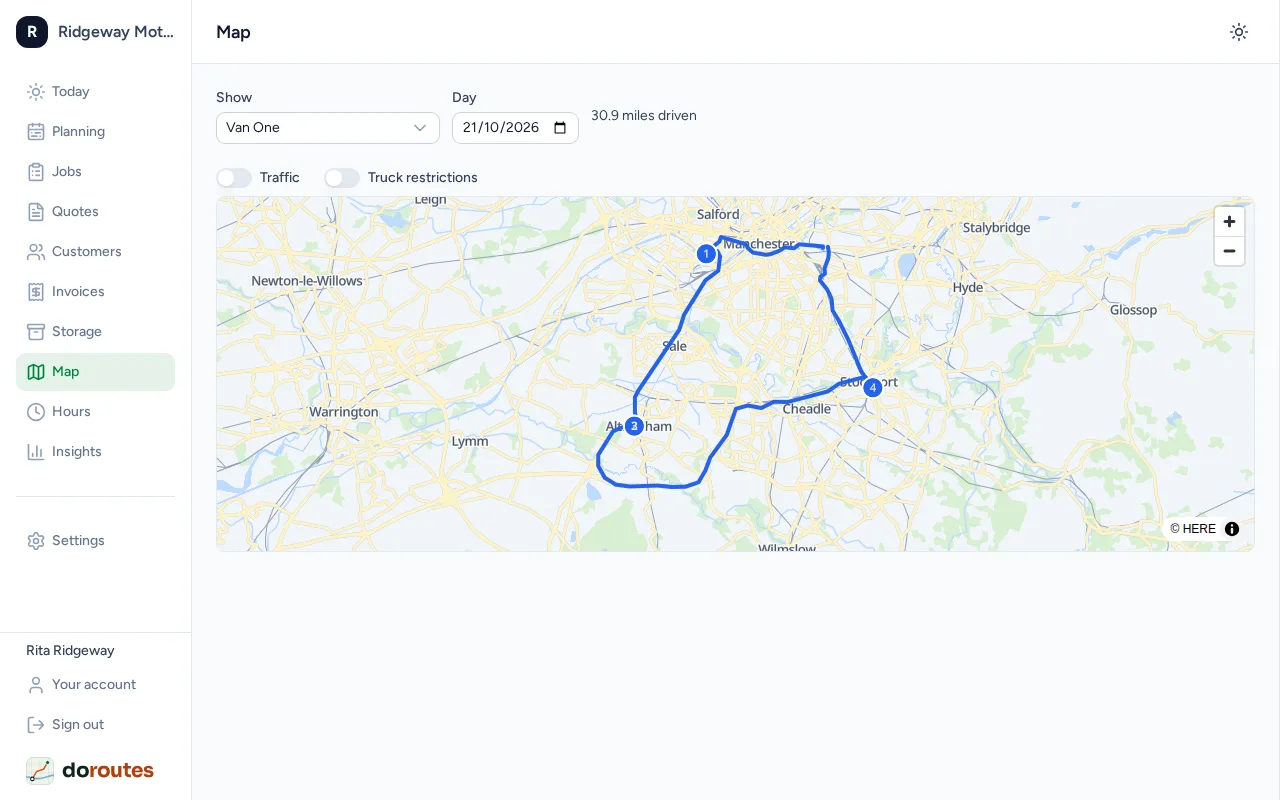
Map shows Vans today: each van's latest position and the route it has driven. A van that hasn't reported for a while is marked not heard from. Choose another Day to see where a van went that day.
Drivers' phones
A driver's phone shares its location only while they are clocked in, from Start shift to End shift. Nothing is shared outside a shift.
Van trackers
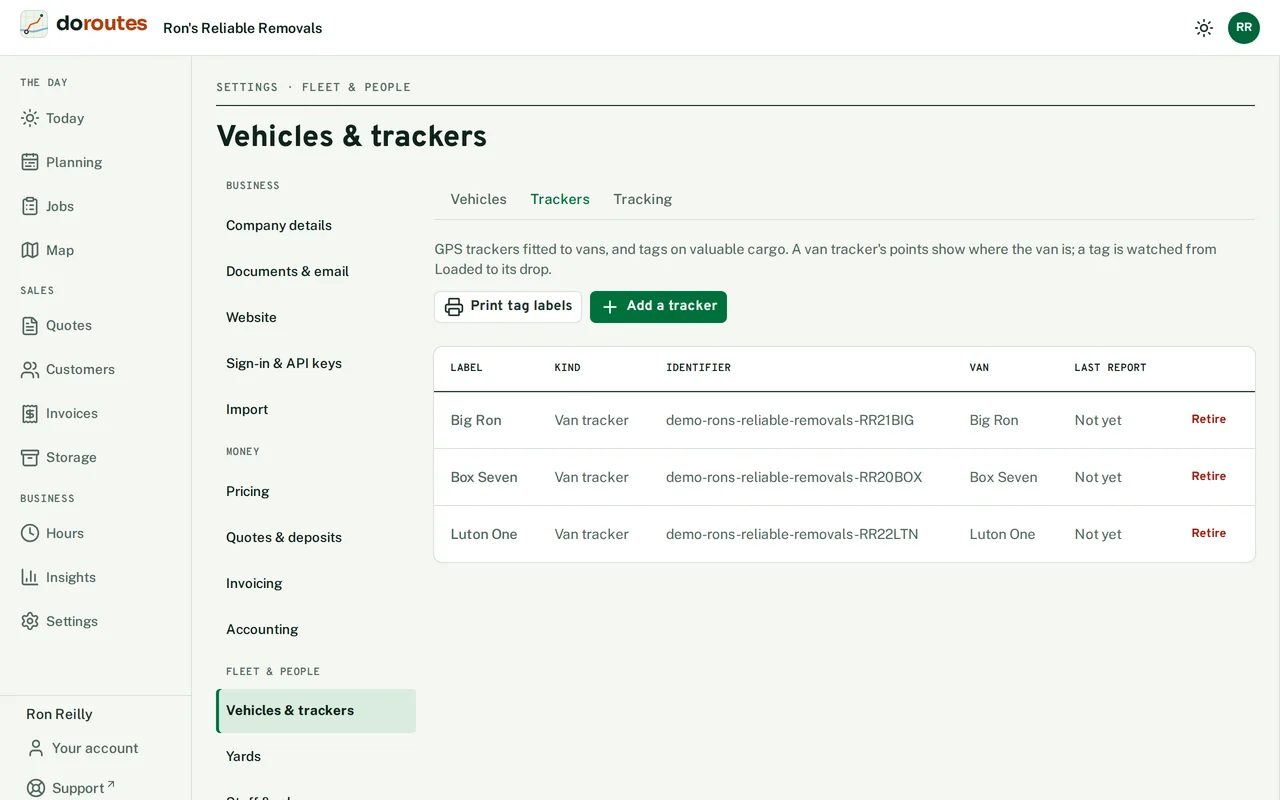
You can fit GPS trackers to vans instead of, or as well as, using drivers' phones. Go to Settings → Vehicles & trackers → Trackers → Add a tracker, choose the kind, give it a label and its identifier (the IMEI, or the maker's ID), and choose its van. DoRoutes shows a token once: give it to the tracker's cloud service, which sends it with every point.
In Settings → Vehicles & trackers → Tracking, choose when a van tracker's points are kept: While someone on the van is clocked in, In the van's working hours, or Always. Tick Pause drivers' phones while their van's tracker reports to save phone batteries.
A van's Theft watch, on its page in Settings → Vehicles & trackers, keeps its tracker's points at all hours whatever that setting says. Each change to theft watch is logged.
Cargo tags
Tags on expensive items, such as a piano, are watched from Loaded until they're delivered. Add them in Settings → Vehicles & trackers → Trackers, then Print tag labels and stick a label on each tag so the crew can scan it. To add a tag to a job, use the job's Tracking card.
Tracking alerts on the map tell you when a tag is away from its van, has gone silent, or was delivered away from its drop. Settings → Vehicles & trackers → Tracking sets the distances and minutes for each. Mark handled once you've dealt with one.
How long locations are kept
Set Keep location history for (months), from 1 to 24, in Settings → Drivers & licences → Phones & tracking. Each day's distance is kept after its positions are deleted.
Tracking where your staff are means processing their personal data. Tell your drivers what is tracked and why before they start using the app; the GPS tracking guide explains what UK GDPR expects.