Your firm and settings
Everything in Settings, from your business details to how long people stay signed in.
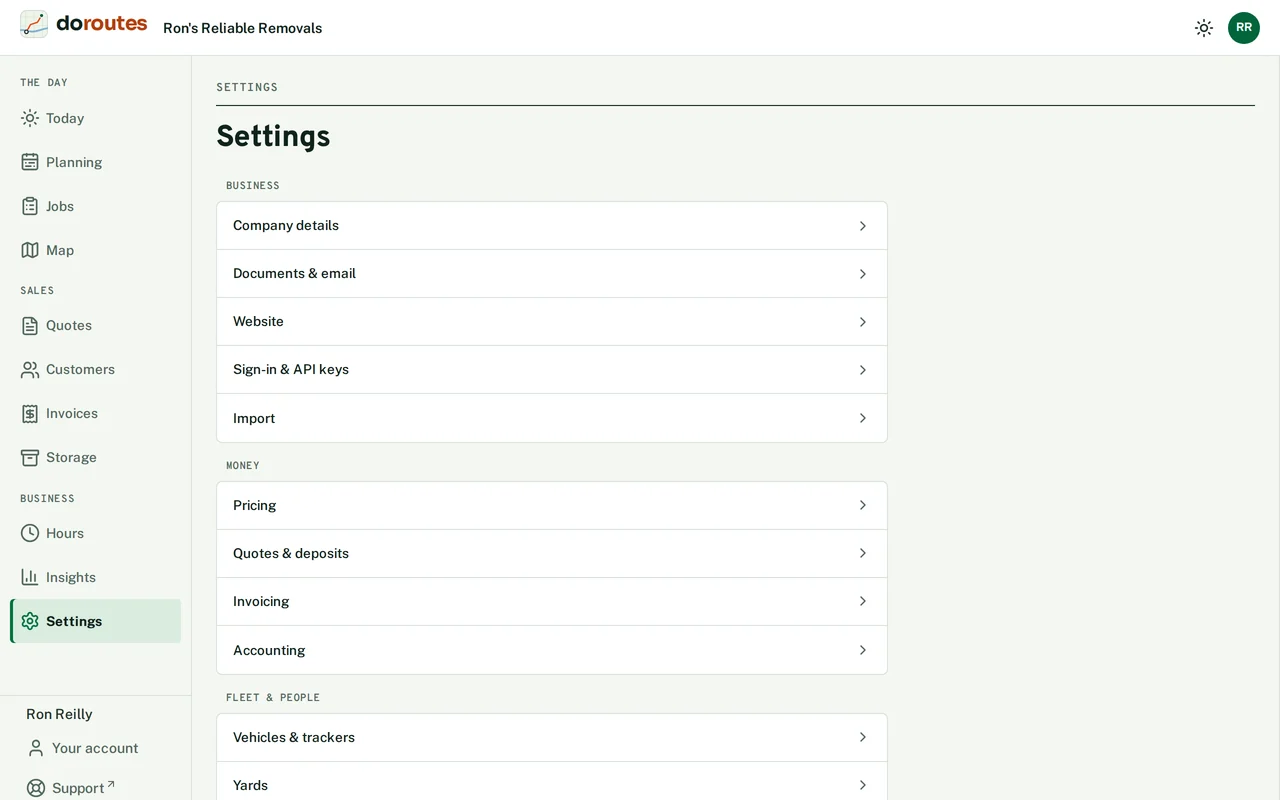
Settings, at the foot of the main menu, holds what you set up once and the rules DoRoutes works by. Its sections are grouped under Business, Money, Fleet & people and Work. A section with more than one part has a tab for each, and each part has its own save button. On a phone, Settings opens as a list of sections.
Company details
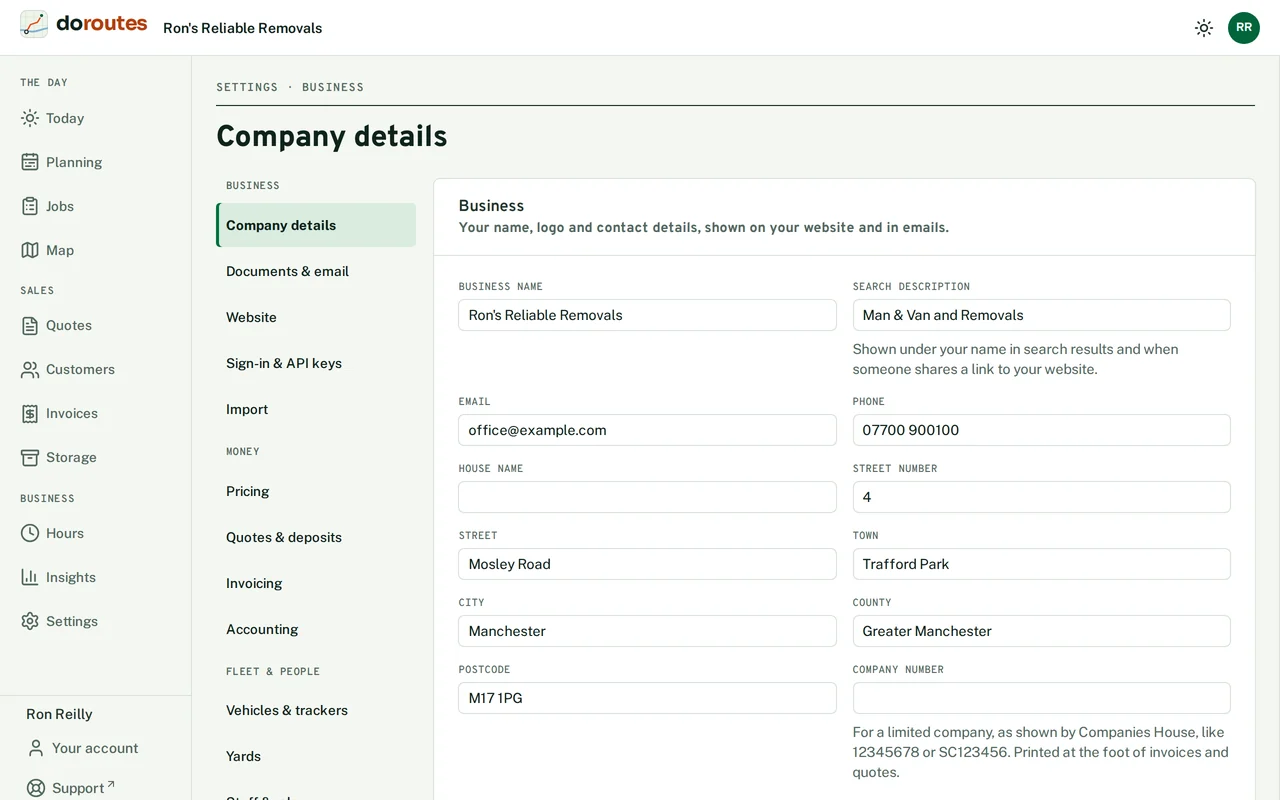
Your business name and contact details appear on your website and in your emails. Fill in the Business name, the Search description (the line under your name in search results), your address, Email and Phone.
The Company number and Registered office are printed at the foot of invoices and quotes. Once you save a company number, DoRoutes checks it with Companies House and shows the company it found.
Documents & email
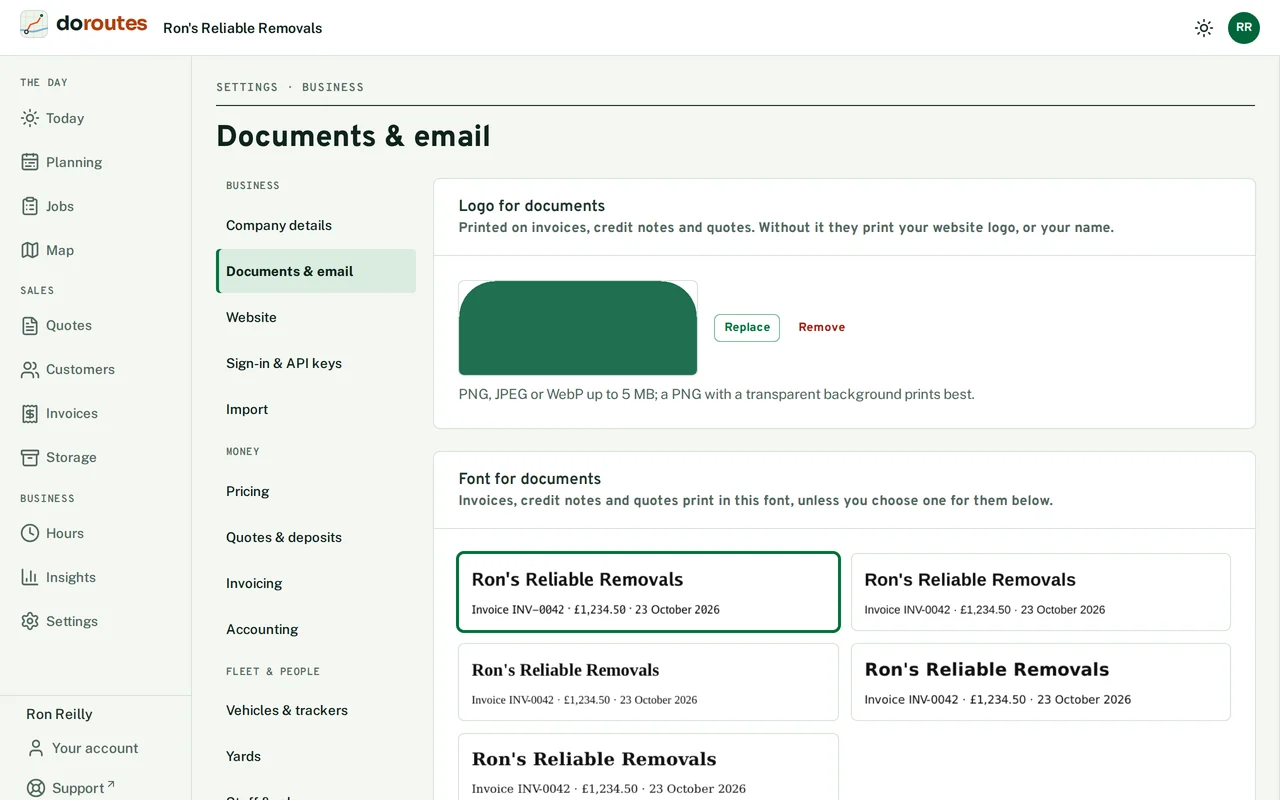
Upload a Logo for documents and pick a Font for documents, used on invoices, credit notes and quotes. You can give invoices, credit notes and quotes a font of their own.
Email sets up sending from your own domain, so emails to customers come from an address such as [email protected].
Invoicing
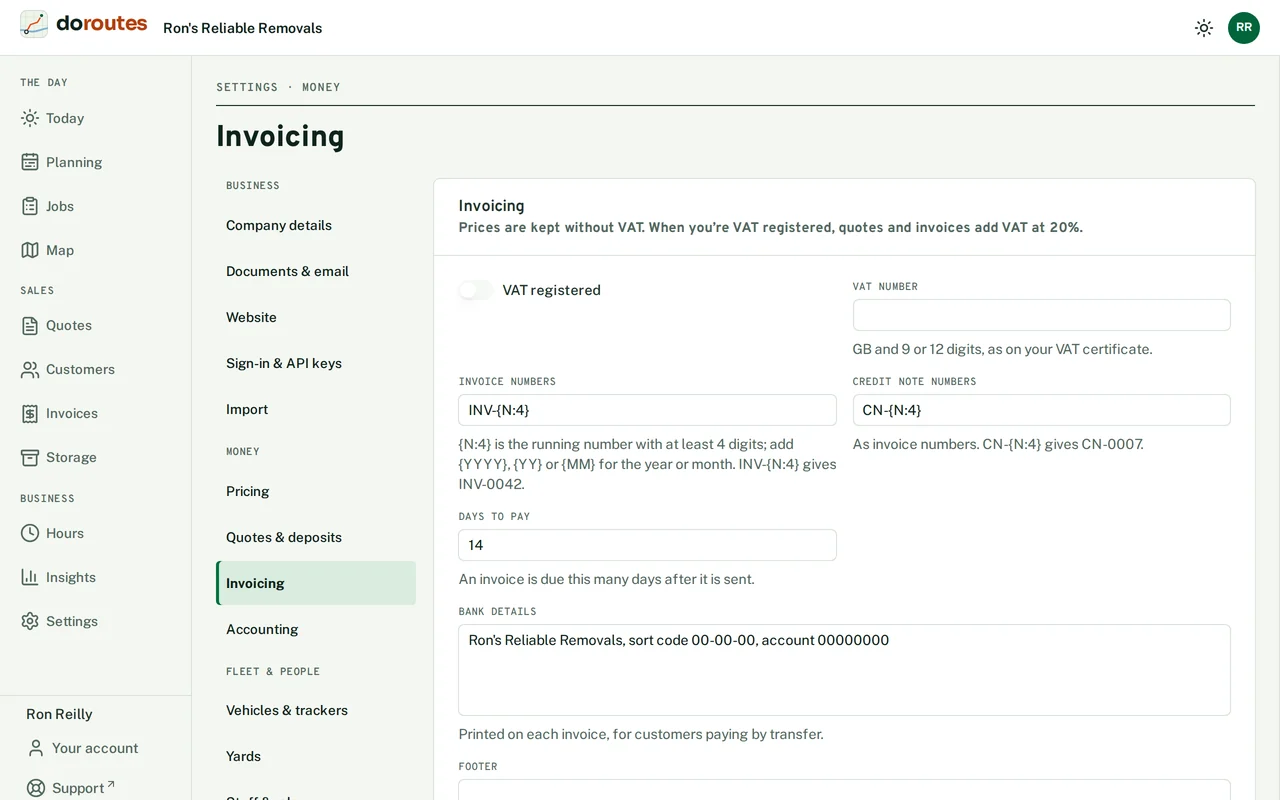
Prices are kept without VAT. If you're VAT registered, tick VAT registered and enter your VAT number as it is on your certificate, and quotes and invoices will add VAT at 20%.
Invoice numbers and Credit note numbers set the pattern for each number: for example, CN-{N:4} gives CN-0007. You also set how many days an invoice has before it's due, your Bank details for customers who pay by transfer, and a Footer for invoices and credit notes. Tick Draft the invoice when a job is delivered if you want DoRoutes to start the invoice for you.
Quotes & deposits
The Quotes tab:
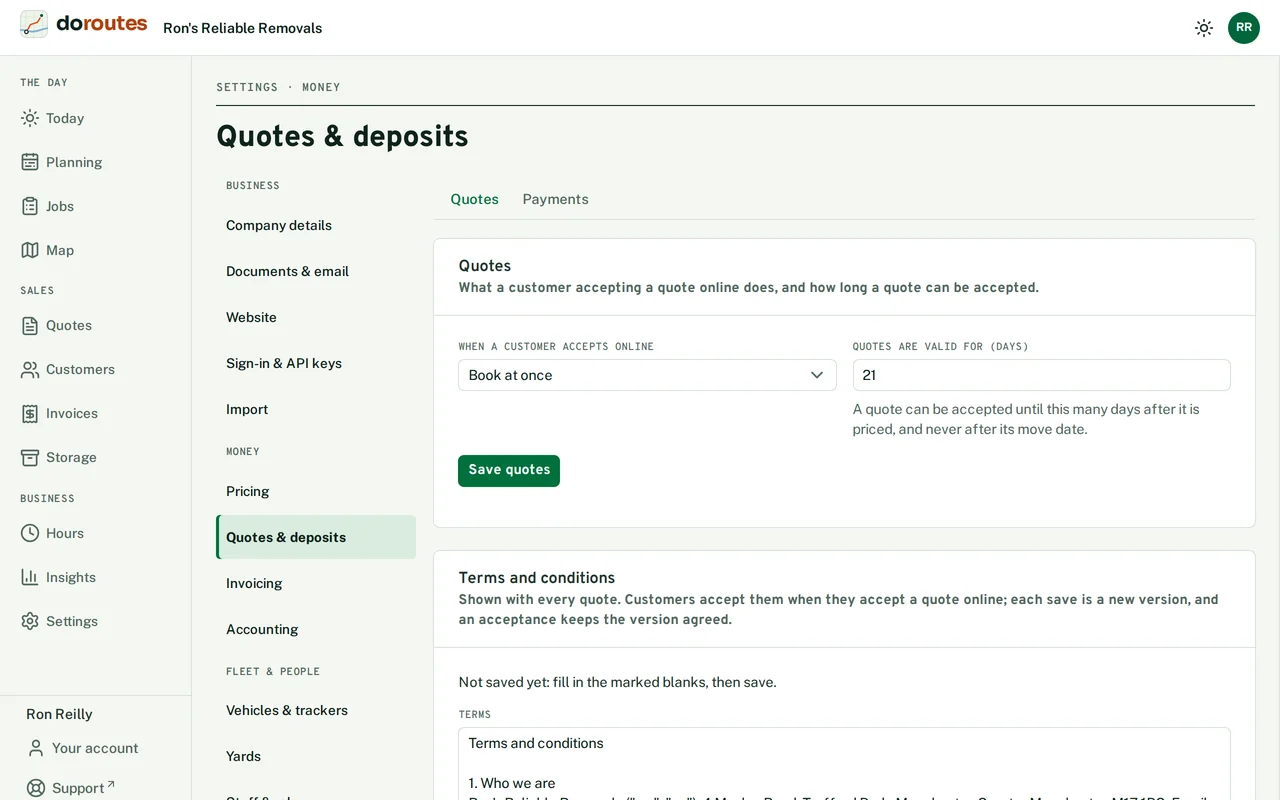
When a customer accepts online decides what happens next: Book at once, or Ask us to confirm. Quotes are valid for (days) sets how long a customer has to accept, counted from when the quote is priced. A quote can't be accepted after its move date either way.
Terms and conditions go out with every quote. Each save makes a new version, and when a customer accepts, DoRoutes keeps the version they agreed to.
The Payments tab sets what customers pay to book and how you ask for the rest.
Deposit to book is None, A percentage of the price or A fixed amount, and it's never more than the price. If you confirm bookings yourself, choose whether to take the deposit when they accept (and refund it if you decline), ask for it once you've confirmed, or hold it on their card and take it when you confirm. For The balance, you can invoice after the job, invoice before the move, or charge the card saved with the deposit before the move.
Customers can only pay online once a payment provider is connected. See Payments and accounts.
Item catalogue
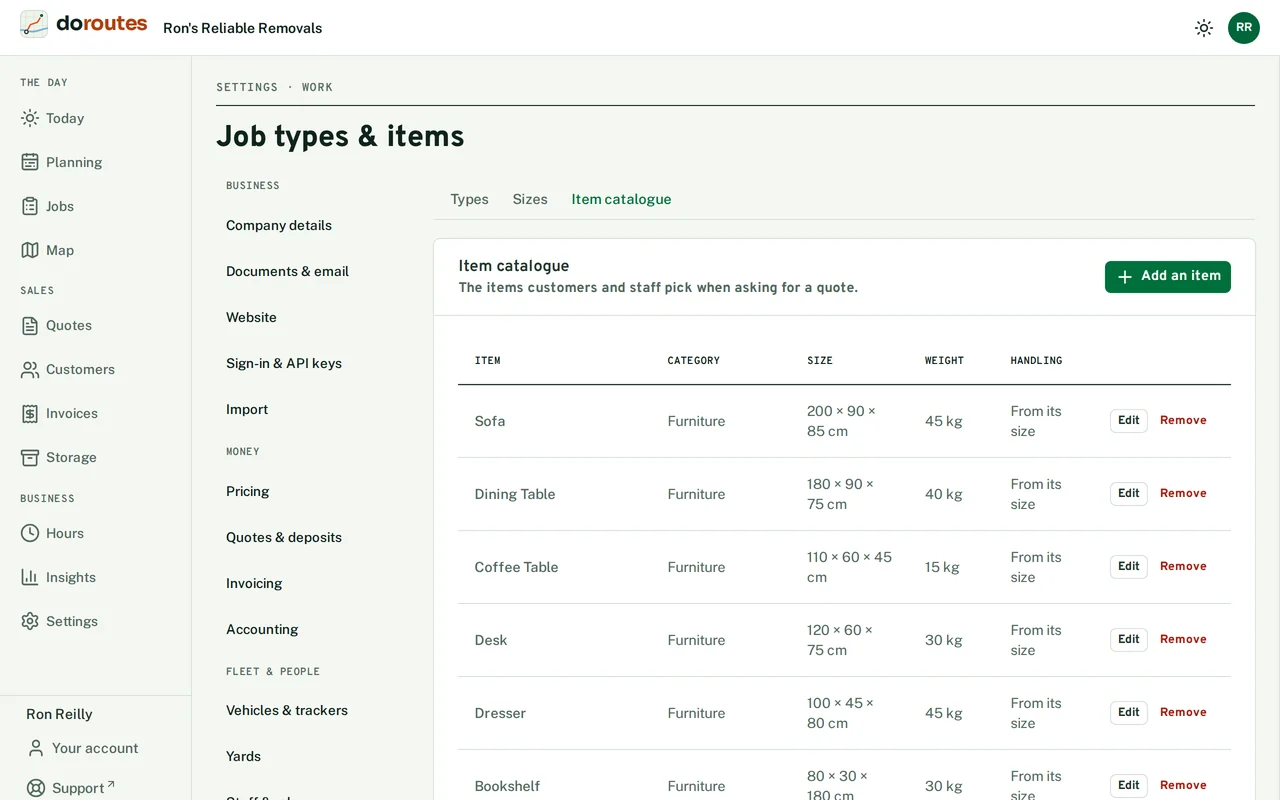
In Job types & items → Item catalogue: these are the items customers and staff pick from when they ask for a quote. Each item has a category, and you can mark it Fragile. Removing an item doesn't take it off quotes that already have it.
Planning & working days
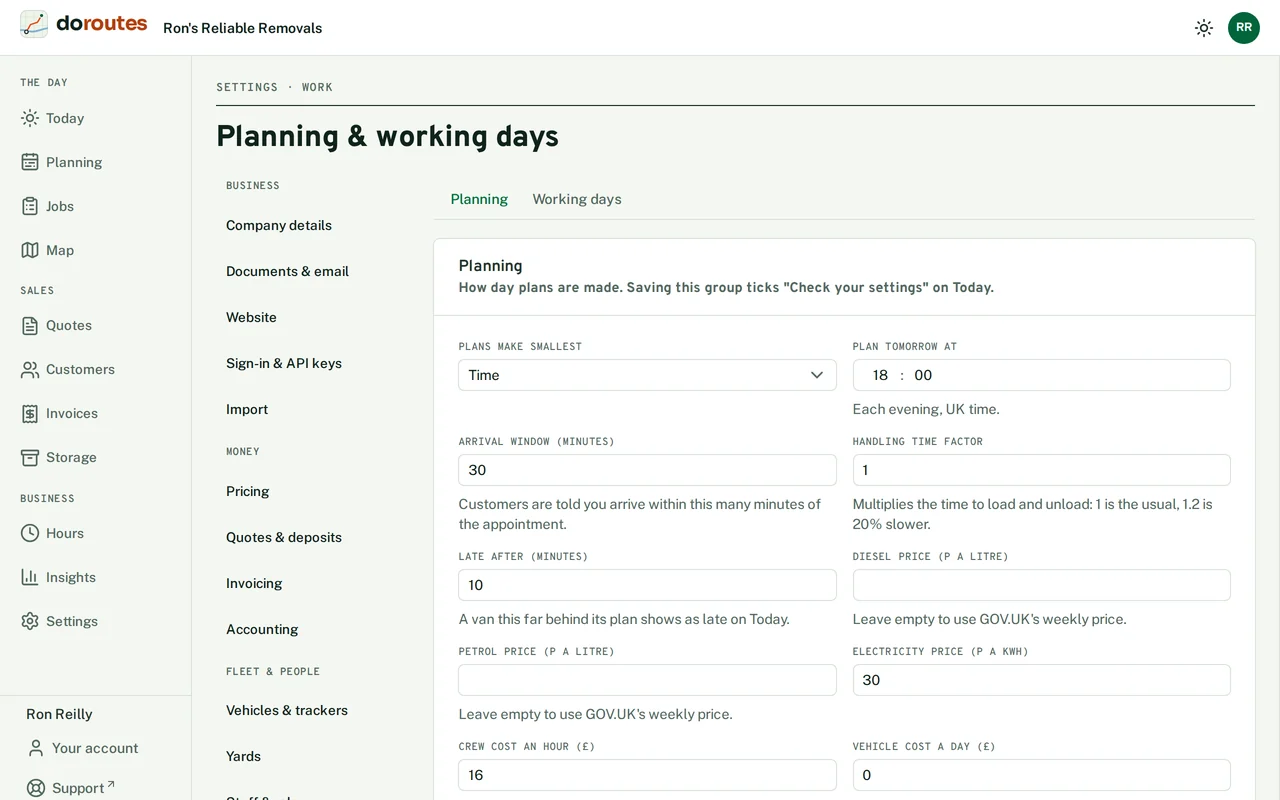
The Planning tab decides how day plans are made. Saving it ticks Check your settings on Today.
Plans make smallest is what each plan saves most of: Time, Fuel, Cost or Distance. Plan tomorrow at is when tomorrow gets planned each evening, UK time. Arrival window (minutes) is how wide a window customers are given for your arrival. Late after (minutes) is how far behind its plan a van can be before Today shows it as late.
Handling time factor stretches or shrinks the time allowed for loading and unloading: 1 is normal, 1.2 is 20% slower. Leave the diesel and petrol prices empty and DoRoutes uses GOV.UK's weekly price. Crew cost an hour and Vehicle cost a day give each plan its running cost.
On the Working days tab, set the days you take bookings and plan work, whether you work Saturdays and bank holidays, and whose Bank holidays apply (England and Wales, or Scotland). The bank holidays come from GOV.UK, and you can mark the ones you work.
Drivers & licences
Phones & tracking sets what drivers record on their phones On delivery. A single job can override the signature rule on its own page. One customer's deliveries made together decides whether the customer signs once for a stop with several of their deliveries (One signature for them all) or once for each (A signature for each). Tracking has its own guide page: Live GPS and tracking.
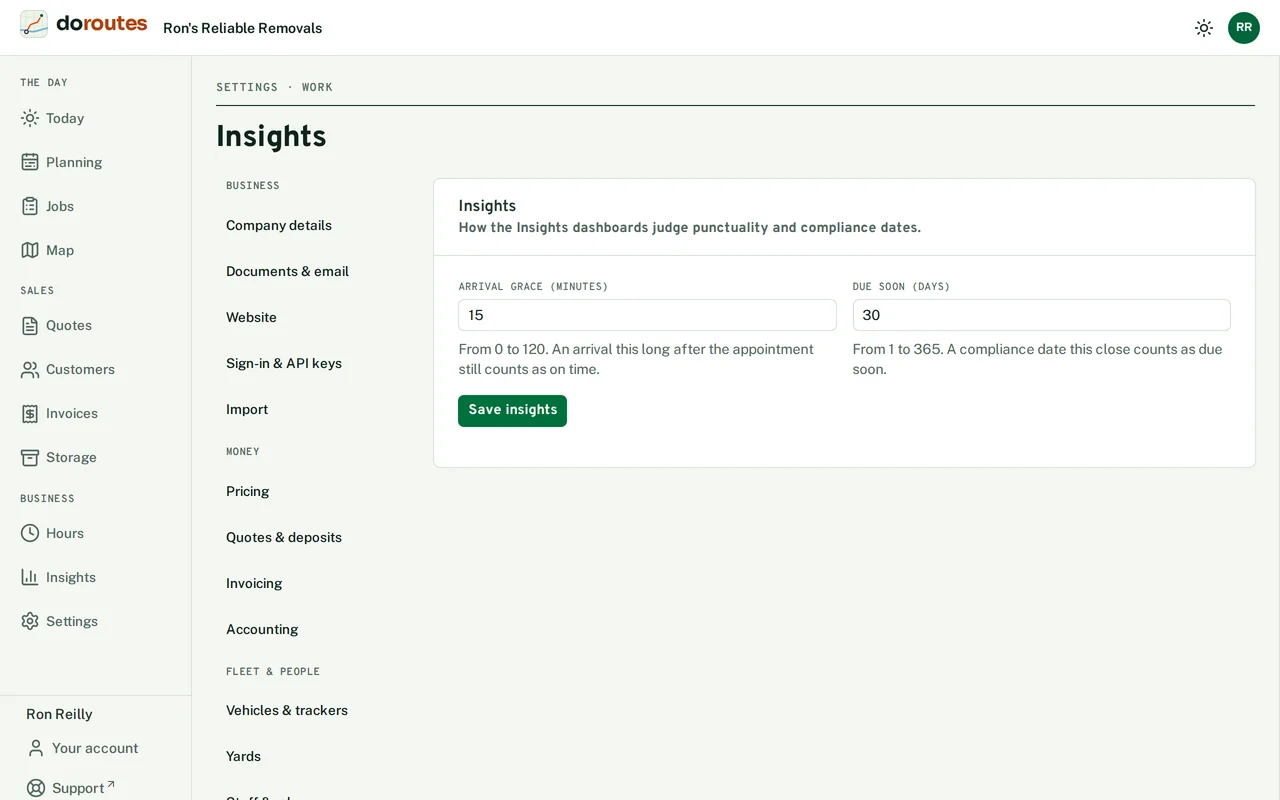
Insights
Arrival grace (minutes) decides when an arrival counts as on time on the Insights dashboards. A job with an arrival window is on time if the crew arrives by the end of the window. A job with only an appointment time is on time if they arrive within the grace after it. It's 15 minutes unless you change it, and it can be anything from 0 to 120.
Due soon (days) decides how far ahead the Compliance dashboard warns you. A licence, MOT, service or other date this close shows as due soon, both on the Compliance board and under Needs attention on the Overview. The Storage dashboard uses the same number for storage agreements ending soon. It's 30 days unless you change it, from 1 to 365.
Sign-in & API keys
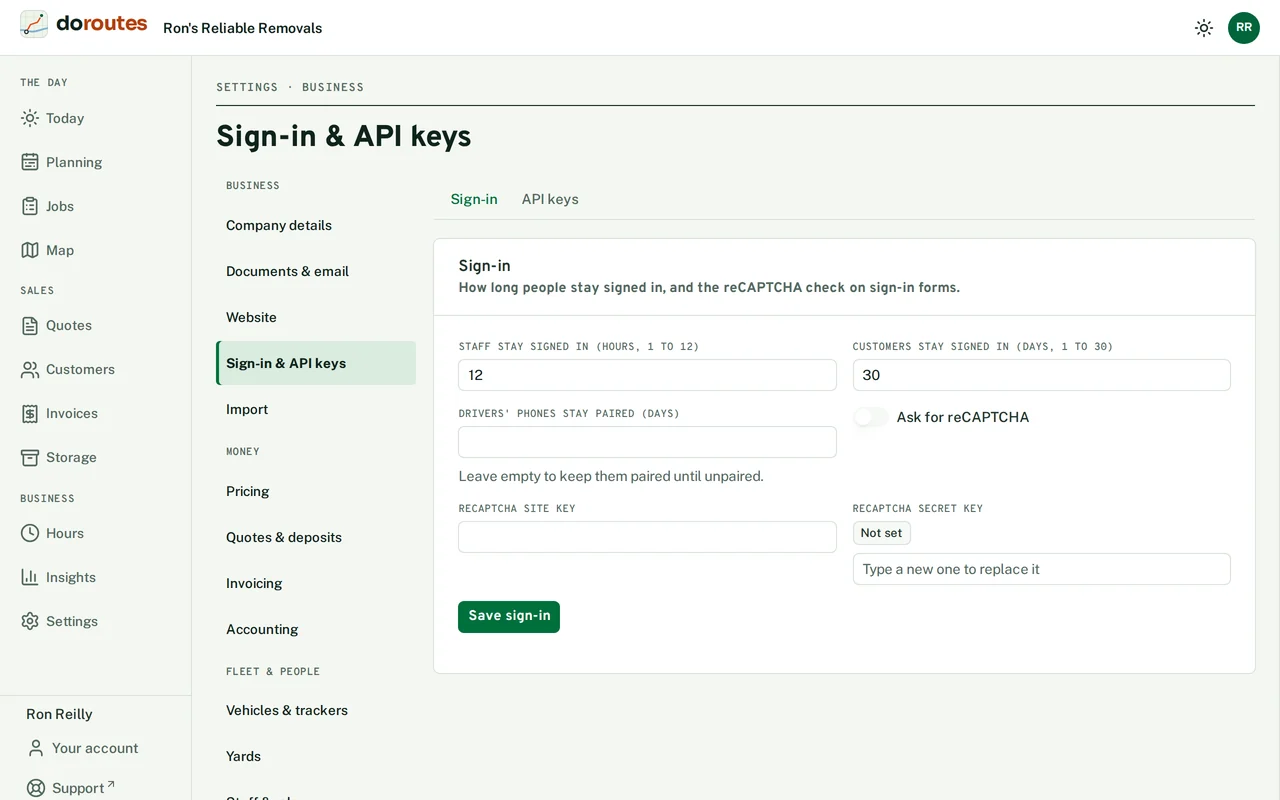
Sign-in sets how long staff stay signed in (1 to 12 hours) and customers (1 to 30 days), and turns on the reCAPTCHA check for sign-in forms.
API keys, which only the Owner sees, let your own systems use DoRoutes, such as a shop's order system. A key can only do what you tick, and it works until you revoke it. You only see a new key once, so copy it straight into the system that needs it.