Payments and accounts
How customers pay you, and how invoices and payments reach your accounting package.
Taking payments online
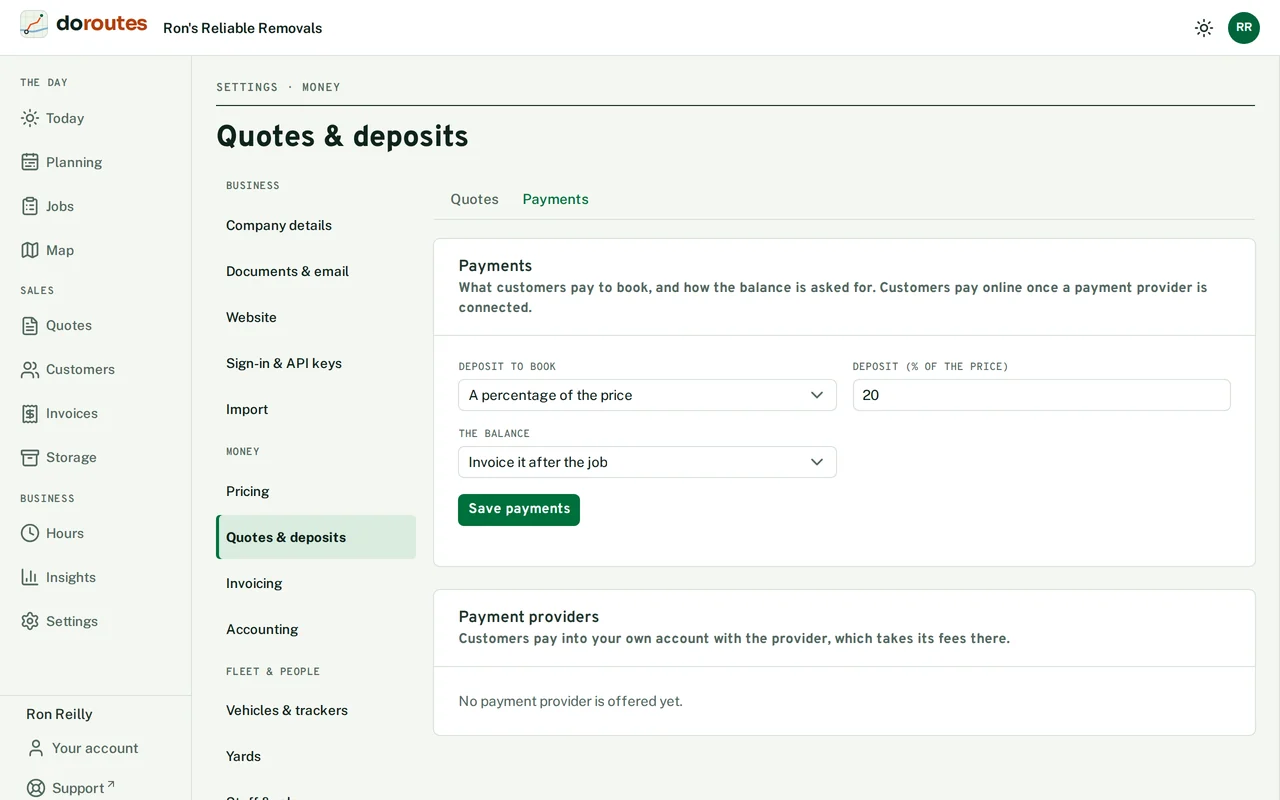
Go to Settings → Quotes & deposits → Payments and connect a payment provider, Stripe or PayPal. Customers then pay deposits and invoices online, into your own account with the provider, which takes its fees there. Disconnect stops online payments.
What customers pay to book, and when the balance is asked for, are set in the same place: see Your firm and settings.
Invoices
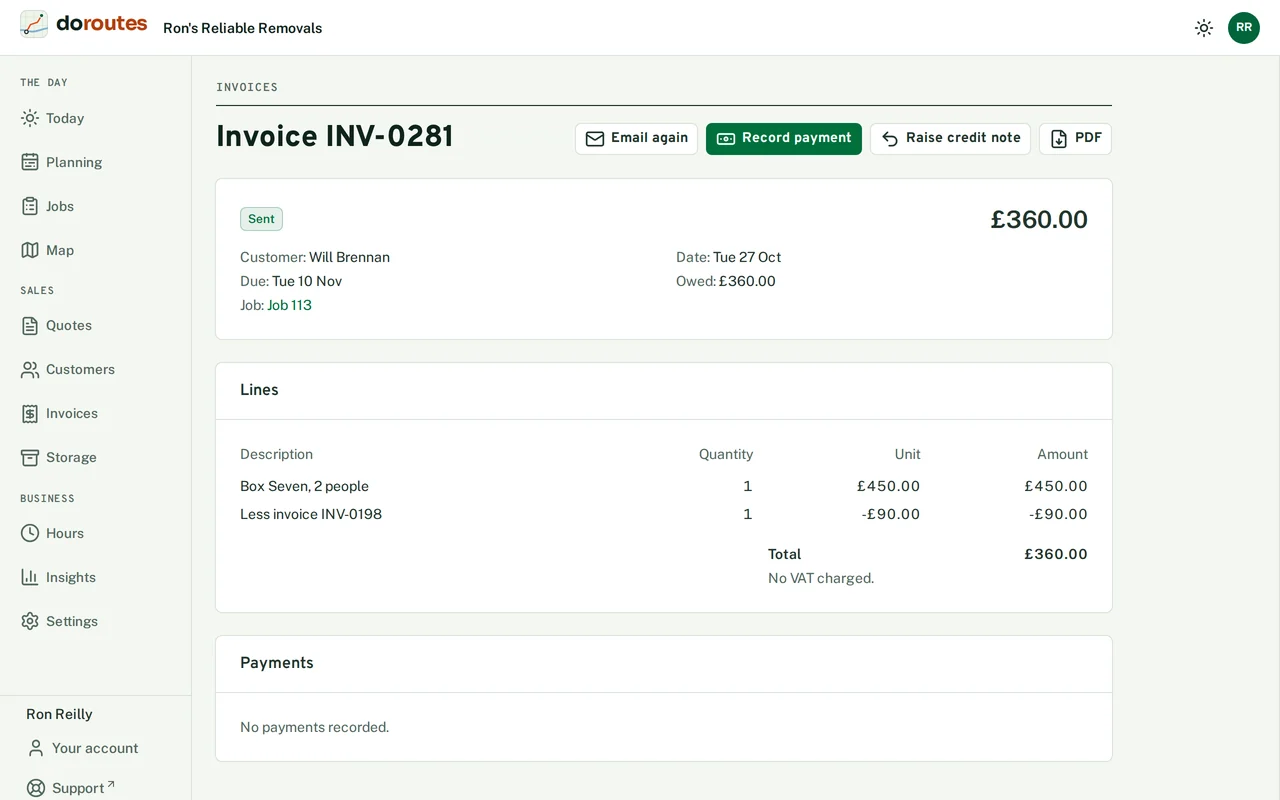
Invoices lists every invoice, filtered by Show. DoRoutes drafts an invoice when a job is delivered, if you ticked that in Invoicing, and raises deposit invoices with a pay link when a job is booked.
On an invoice's page:
- Edit a draft's Lines and Notes, then Send it. DoRoutes numbers it and emails it to the customer, and it can't be changed after that.
- Record payment for money paid another way, with its amount, date, method and reference. Remove a payment recorded by mistake, and DoRoutes keeps a note of who removed it.
- Raise credit note for what is credited, and send it.
- Refund online a payment taken online. The refund shows as waiting until the payment provider confirms it.
- Download the PDF, or send the invoice again with Email again.
Your accounting package
Go to Settings → Accounting → Connect your accounting package and choose Xero, QuickBooks, Sage or Zoho. You sign in to the package to allow the connection. From then on, each invoice, credit note and payment you send is copied there. Choose the Sales account they go to, and use Also copy invoices sent since a date to bring across earlier ones.
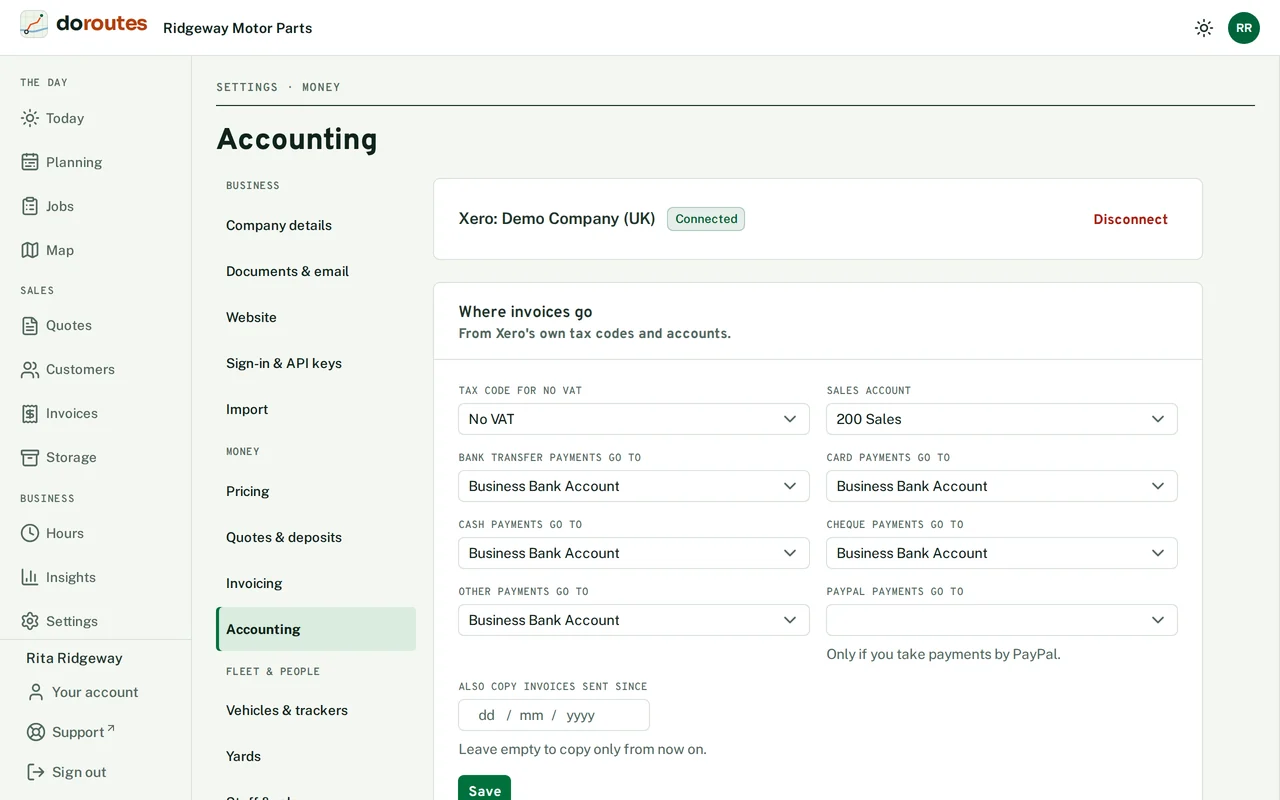
If a copy fails, the page lists it with Retry. Disconnect stops copying; anything already in the package stays there.
Reports
Reports counts quotes, jobs and customers between two dates. Quotes and jobs count by their moving day.